blogkitty: A RSS Feed Manager in Discord
Hi! I wanted a way to monitor blogs for members in my Discord server, so I created a bot which will monitor RSS feeds into channels with just one command. You can check out the project here!
How it Works
When you run the /monitor [rss-feed] [channel-name] command in Discord, the bot will create a channel with that name and stream any updates from rss-feed into it. To remove the feed you can just delete the channel.
In this article I mostly refer to the feeds being monitored as RSS feeds. However, this works with Atom too!
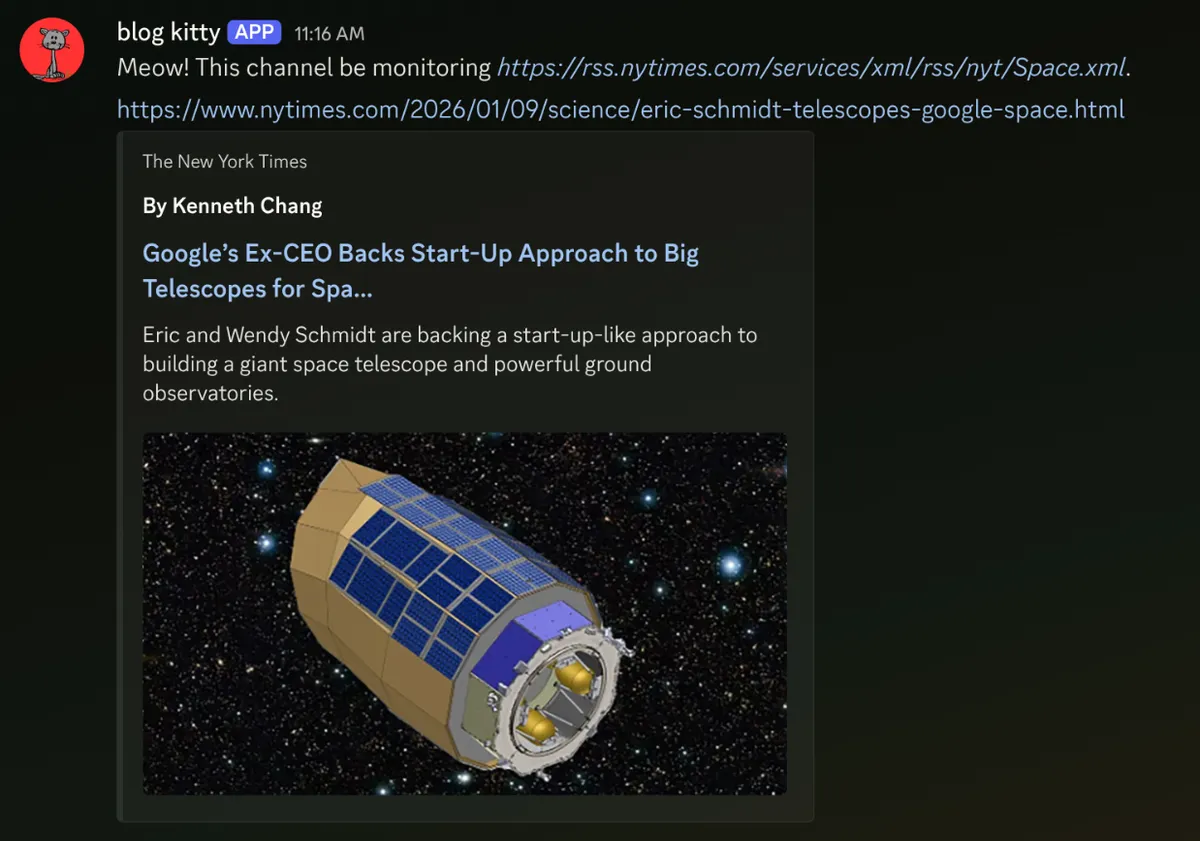
In my Discord server I have a category called feeds and use these to monitor any sites I am interested in. This is the bot in action:
The logic of the bot is fairly simple and follows this format.
- The user will use
/monitorcommand in Discord:- The feed added by the user will be added to the database.
- A channel will be created to monitor the feed.
- Every 10 minutes a cron will run:
- Pull the URL of each feed from the DB using
gofeed. - Compare the most recent GUID of the feed with the one stored in the DB.
- If the GUID has changed, send a link to the new post in the specified channel.
- Pull the URL of each feed from the DB using
Development
The bot is written in Go on top of the Discordgo library, which provides bindings around the Discord API. I found it unnecessarily verbose when interacting with the session. Take this function which will reply to the user after they use a slash command:
// Replies to the current interaction.
func reply(message string, dg *discordgo.Session, i *discordgo.InteractionCreate) {
	dg.InteractionRespond(i.Interaction, &discordgo.InteractionResponse{
		Type: discordgo.InteractionResponseChannelMessageWithSource,
		Data: &discordgo.InteractionResponseData{
			Content: message,
		},
	})
}
It’s not all bad, it takes advantage of a lot of the languages benefits by being a very simple library with efficient error handling. It doesn’t do much more than wrap API calls and provide types to the API, which is an intended Go-style design. I don’t think this library is as polished as discord.js but it worked well for this small application. In the future, I might create a library to better handle slash commands.
I used a sqlite database with Goose to manage the migrations. What’s nice about Go is that when querying the database I can just use SQL without an ORM. Here is a simplified example of something used in the code (without all the verbose error handling!).
// Update the GUID of a feed to match the latest post.
func UpdateFeed(feed Feed) (Feed, error) {
	query := "UPDATE feeds SET latest_post_guid = ?, discord_channel_id = ?, feed_url = ? WHERE id = ?"

	DB.Exec(query, feed.LatestPostGUID, feed.DiscordChannelID, feed.FeedURL, feed.ID)

	return feed, nil
}
For parsing the feeds I used the gofeed library to grab the link to the most recent post. This is a great library which works with both RSS and Atom feeds:
// Gets the latest post for a feed.
func getLatestPost(rssUrl string) (*gofeed.Item, error) {
	fp := gofeed.NewParser()
	feed, _ := fp.ParseURL(rssUrl)
	return feed.Items[0], nil
}
What’s Next
In the future I would like to make it so there is a designated feeds channel where each thread is a different feed. This way the server does not get bloated with channels. This bot was a great way to learn about Go and I am having a lot of fun with the language. Contributions and suggestions are always welcome, and I’d love to hear your thoughts!